Platform · Payroll & payments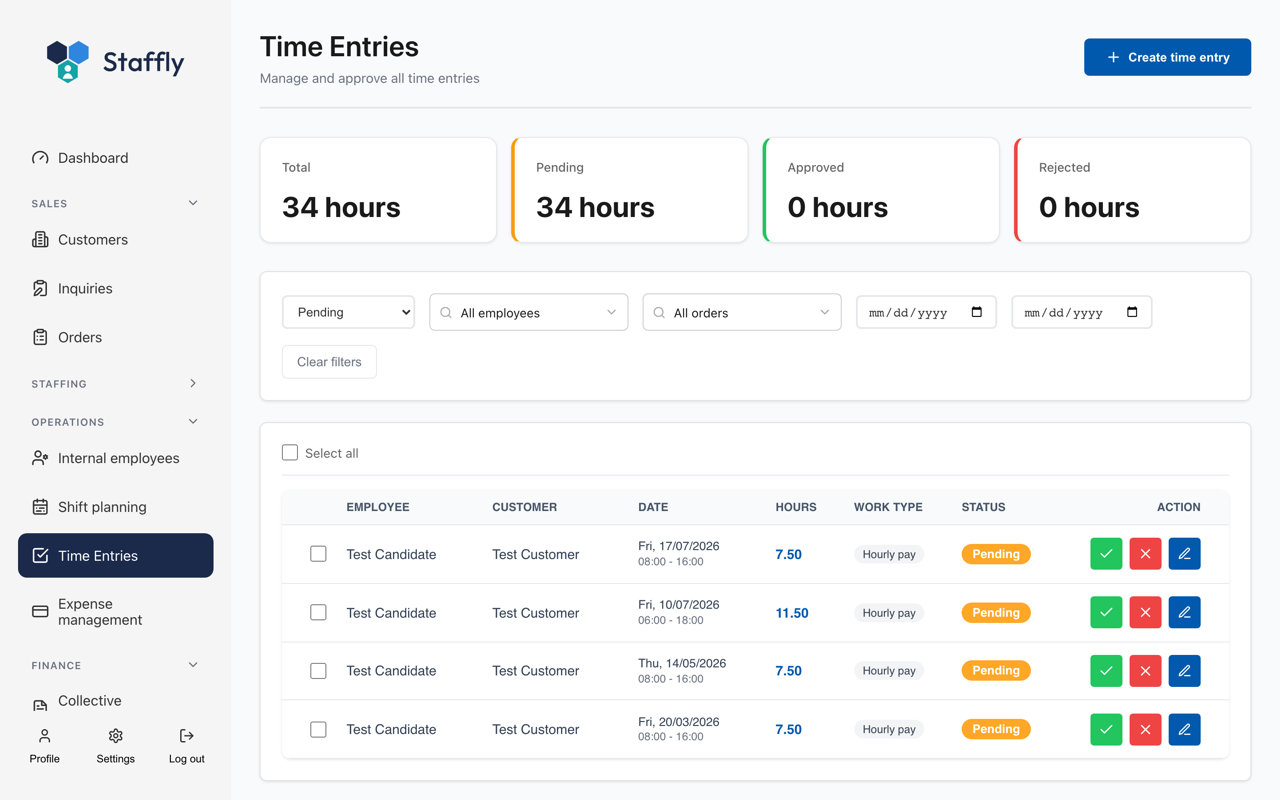
From approved hours to payment
Salary runs built on the hours you already approved - with cost per employee and payment files for the bank.

Salary runs
The period gathered in one place
A salary run shows the hours, the supplements and the cost per employee before anything moves on to the payroll system.
- 1Hours and supplements per employee for the period
- 2Cost per employee, including employer's share
- 3Allowances and other supplements
- 4An overview before anything is sent on
Payments
Payment files for the bank
Staffly produces payment files in the format the bank expects, validates them, and keeps track of what has been submitted.
- SEPA payment files (pain.001)
- Validation before the file is downloaded
- Mark as submitted, or cancel with a reason
- Choose whether all accounts or only foreign ones are included

What the module includes
Payroll integration
Approved hours are pushed to the payroll system.
Cost per employee
See what an employee actually costs for the period.
Payment files
SEPA files ready for the bank.
Debtor details
CVR, IBAN and BIC configured once.
Currency
Handling of foreign payments.
Traceability
What was sent, when and by whom.